Install the bjoy88 app on your Android phone
The bjoy88 app keeps the game lobby, your bKash deposits and the cashier on one screen, so you stop loading a full desktop page on a thin connection. The package is 28 MB, free to download, and most people finish setting it up in a couple of minutes. Take the file below, then sign in or open an account if you are new here.
18+ · Play Responsibly
Download the bjoy88 App file and read the details
One tap gets you the full package, not a shortcut that points back at the mobile site. Keep the screen awake while the transfer runs, then open the file from your notification shade. Everything on this page is checked against the build in the table below, so you know exactly what Android is about to unpack.
File name bjoy88.apk · size 28 MB · version 3.1.14
File details at a glance
| Detail | Value |
|---|---|
| Version | 3.1.14 |
| File size | 28 MB |
| Minimum Android version | 8.0 |
| Last updated | 16 November 2026 |
| Price | Free |
| Languages | English, Bangla |
| File name | bjoy88.apk |
Deposits and withdrawals run through bKash, Nagad, Rocket and Upay inside the app, the same cashier you get on the desktop site. If you have never opened an account, do that first from the registration page and come back for the file.
iPhone or iPad: add bjoy88 to the home screen
There is no iOS package to install. Safari can keep the site on your home screen, and it opens without the address bar, close enough to an app for quick sessions.
- Open bjoy88.club in Safari.
- Tap the Share icon in the bottom toolbar.
- Scroll the list and choose Add to Home Screen.
- Name it bjoy88 and tap Add.
Live dealer tables stream video, so use Wi-Fi for long sessions. Your login is unchanged either way.
See the games that run inside the app
Lobby layout: status dots mark the busy tables
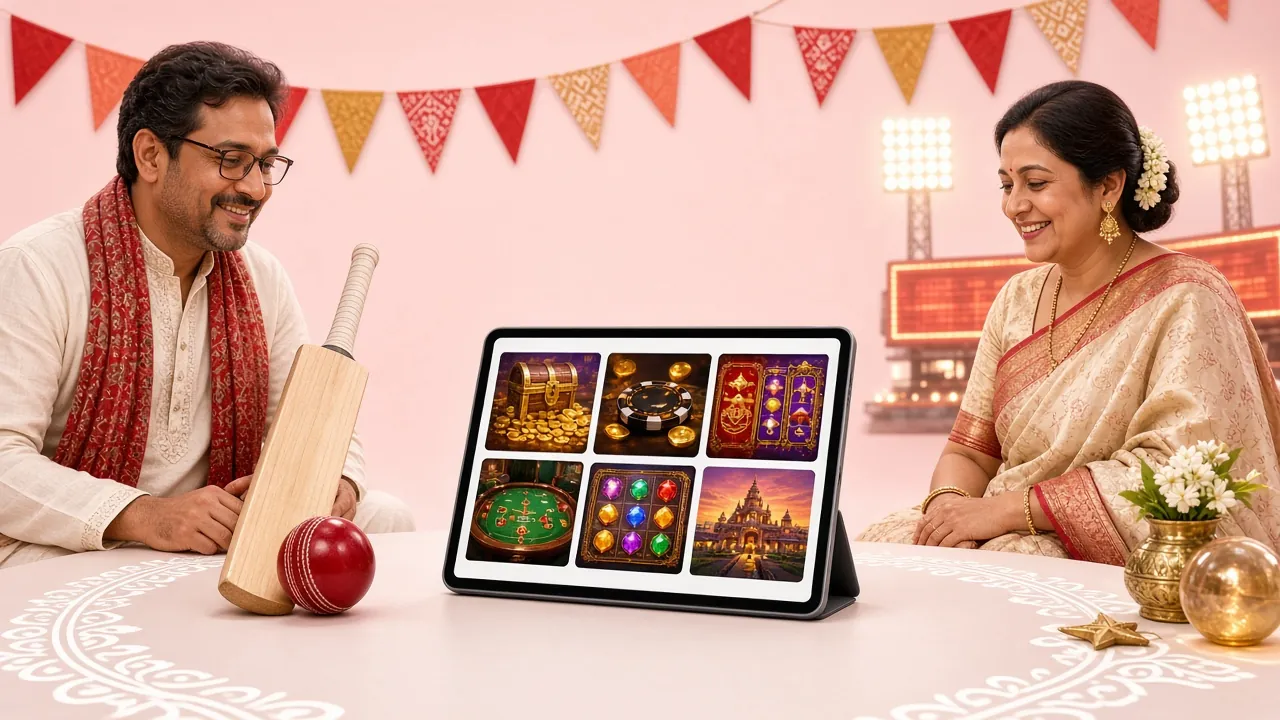
The lobby holds 3,600 titles from FA Chai, Red Tiger, Evolution, Sexy Gaming and JILI, sorted by type so you can reach a slot or a live table without scrolling a long page. Two of the busier picks are shown below the buttons.
- Slots, card games and live tables in one list, no separate lobby for each.
- Recently played stays at the top of the screen, so a return visit is two taps.
- Built for small screens: one column, large buttons, heavy images loaded last.


Allow the install, then walk through Android setup
Android blocks files that arrive outside the Play Store until you say otherwise. The setting takes about a minute and stays on for that browser only. Follow the five steps in order and the rest is normal app setup.
-
Open the unknown apps setting
Go to Settings, then Apps, then Special access, then Install unknown apps. Pick the browser you are reading this page in and switch on Allow from this source. Chrome, Firefox and the built-in browsers all appear in that list under different names, so read the icons.
-
Download the package
Come back to this page and tap Download APK. The transfer is 28 MB, which is quick on Wi-Fi and slow on 3G, so keep the screen awake and wait for the download arrow to stop moving before you open anything.
-
Install the file
Pull down your notification shade, or open the Downloads folder, and tap bjoy88.apk. Choose Install. The phone unpacks the package in well under a minute. If Play Protect shows a warning about an unknown developer, tap More details and continue.
-
Log in and set the cashier
Open the app and sign in with the mobile number and password you already use on the site, or register first if the account does not exist. Open the cashier tab, add bKash or Nagad once, and the details are saved for later deposits. Withdrawals go to the same number.
-
Come back for new versions
The app does not update itself through Play Store. When a fresh build appears on this page, download it and install over the old copy. Your balance, bets and history stay in place because the account lives on the server, not on the phone.
Handle money, matches and chat from one panel
The app is not a stripped copy of the site. It carries the parts people use daily: the cashier, the lobby, the match pages and support. Here is what sits behind the home screen.
Stay signed in
The session stays open until you log out, so a returning player lands straight on the lobby. If you share the phone, turn on the PIN lock in settings so nobody else can open a wallet screen.
Cashier in two taps
Deposits through bKash, Nagad, Rocket and Upay sit on the same screen as your balance. The panel shows the amount you typed and the reference number your wallet app asks for. Most deposits land in about 2 minutes.
Slots and live tables
The full 3,600-title lobby loads here, from FA Chai reels to Evolution live tables. Filters by provider and type work the same way as on the desktop site, so a game you found there is easy to find again.
Match pages
Cricket and football markets open inside the app, including the Champions League fixtures covered in our betting guide. Odds refresh on their own; no need to pull the page down.
Cashier notifications
A short alert tells you when a deposit clears, when a withdrawal is approved, or when support answers a chat. You can switch these off per category without turning off the whole app.
Live chat, round the clock
A chat button sits on every screen and reaches support 24/7 Live Chat. Useful when a wallet transfer is stuck: send the reference number and the agent can look at the transaction while you wait.
Check what the bjoy88 App asks permission for
Android shows a permission list on the install screen and again inside the app. Three of them matter for normal use. Nothing here is unusual for a wallet-and-games app, but you should know what each one is for before you tap through.
Files and storage
Saves the 28 MB package, lobby artwork and your session data. You can reclaim the space later with Clear cache inside the app, which removes images but keeps your account and history untouched.
Camera
Opens only when you scan a payment QR or attach a document during a withdrawal review. Deny it and the app still runs; allow it the moment you need that particular screen.
Notifications
Used for deposit and withdrawal updates and for chat replies. Switch them off in Settings, Apps, bjoy88, Notifications. The app keeps working and simply stays quiet.
Contacts, SMS, location
None of these are needed to sign in or play. If a build ever asks for them, close it and download the file again from this page instead of continuing.
Take the package from this address only. The bar should read https://bjoy88.club, the file name bjoy88.apk and the size 28 MB. A Telegram link or a short URL offering a different size is not ours. Keep Play Protect switched on and delete any second copy of the file once the install finishes.
Fix an install that stops halfway
Almost every failed install on a Bangladeshi phone comes down to one of five causes. Check the message you saw against the table, apply the fix, and try the file again rather than hunting for a second download link.
| What you see | Likely cause | What to do |
|---|---|---|
| Install blocked before the file even opens | Allow from this source is off for the browser, or a security app is holding the package | Settings, Apps, Special access, Install unknown apps. Pick the browser and turn the toggle on, then tap the file again from Downloads. |
| Parse error at the end of the install | The download was cut off, so the package is incomplete | Delete the file, confirm you have well over 28 MB free, and download again on a steady connection. Do not resume a broken transfer with a download manager. |
| Not enough storage | The phone is full and unpacking needs more room than the file itself | Clear cached video and old screenshots, remove apps you never open, then install again. Android needs spare space while it unpacks. |
| App closes the moment it opens | Android is older than 8.0, or a half-installed older build is still there | Check the version in Settings, About phone. Below 8.0, use the mobile site in Chrome. Otherwise uninstall and install the current file. |
| Play Protect warning about an unknown developer | Any app installed outside Play Store gets that screen | Tap More details, then Install anyway. The message is about where the file came from, not about this package specifically. |
Nothing above works? Open live chat, send the Android version and the exact message you saw, and the agent can tell you whether the phone is supported. If you cannot log in after installing, the fix is usually on the account side, so read the login help page before reinstalling.
Keep the app light on slow networks and small phones
The package is 28 MB, but data and battery are the real cost of a long session. These settings keep an entry-level Android phone responsive and stop a few rounds from swallowing your data pack.
- Download the APK on Wi-Fi when you can. A 28 MB file over 2G can take longer than everything else on this page combined.
- Turn on data saver for the app in Settings, Network and internet, then browse the lobby instead of leaving a table open.
- Stick to slots and card games on 3G. Live dealer tables stream video, which is the heaviest thing the app does.
- Switch off autoplay inside live tables so the stream does not keep running while you read the odds.
- Clear the cache once a month. It takes ten seconds and keeps the install close to its original 28 MB.
- Close chat and video apps before a session on a phone with little memory. Two or three open apps are enough to slow the lobby down.
- Keep battery saver on when you play away from a charger. The app itself is light; the screen and the video are what drain a phone.
- Install updates while charging on Wi-Fi, not in the middle of a session on mobile data.